Good photos.
Better together.
Give your photos a page of their own.
Arrange, print or save. Keep the originals untouched.

From pixels
to centimeters.
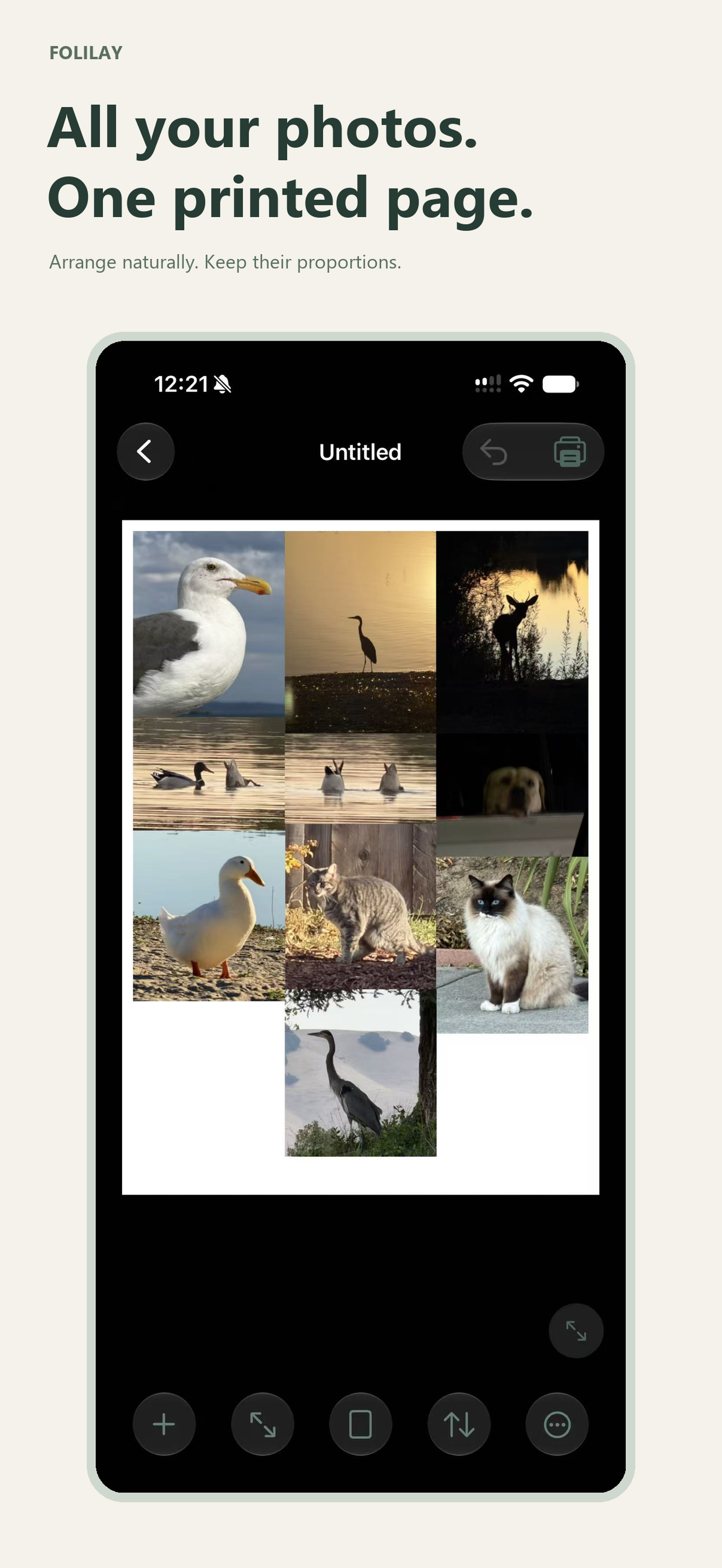
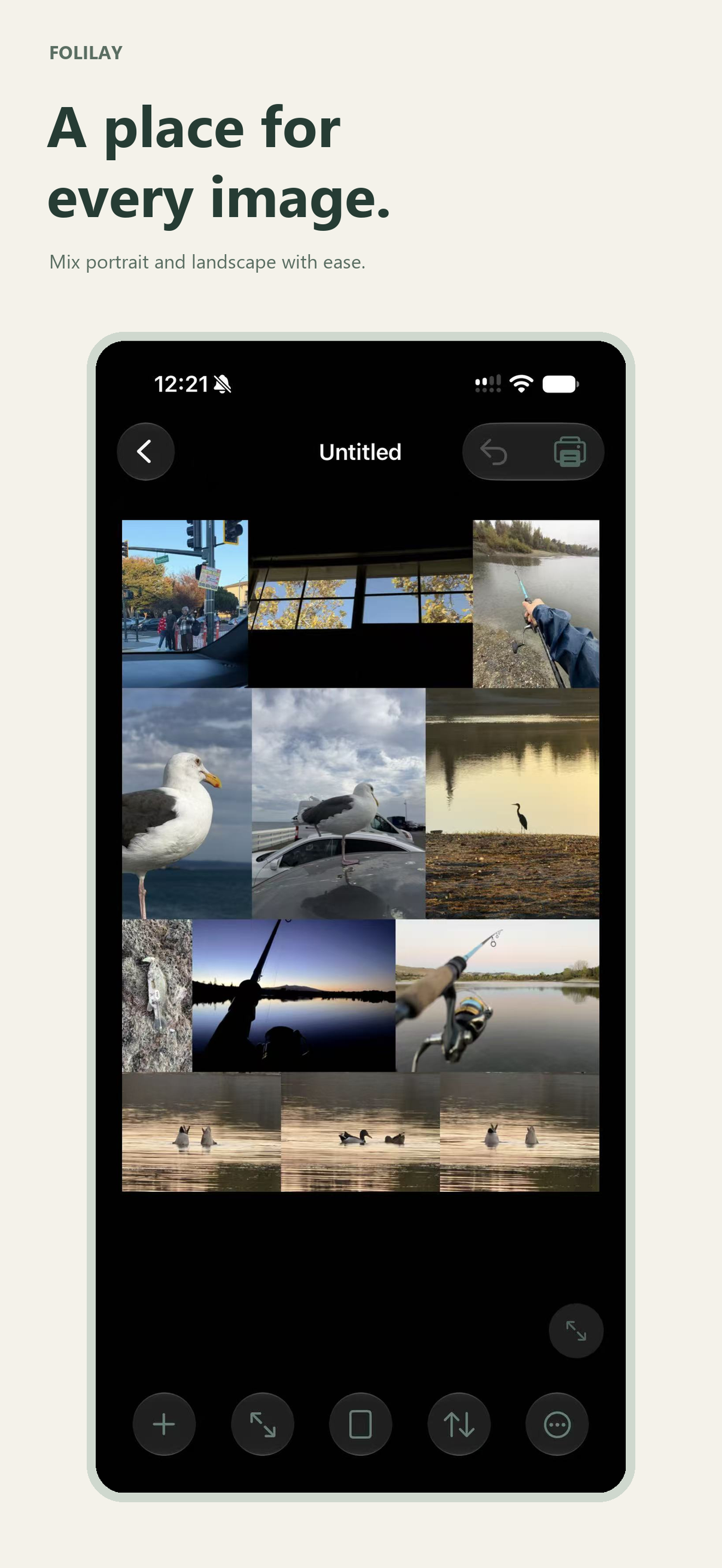
Choose paper dimensions, borders and spacing. Auto Fit keeps photo proportions; Free Size lets you enter linked physical dimensions.
Simple on the surface.
Thoughtful in the details.
Ready for paper?
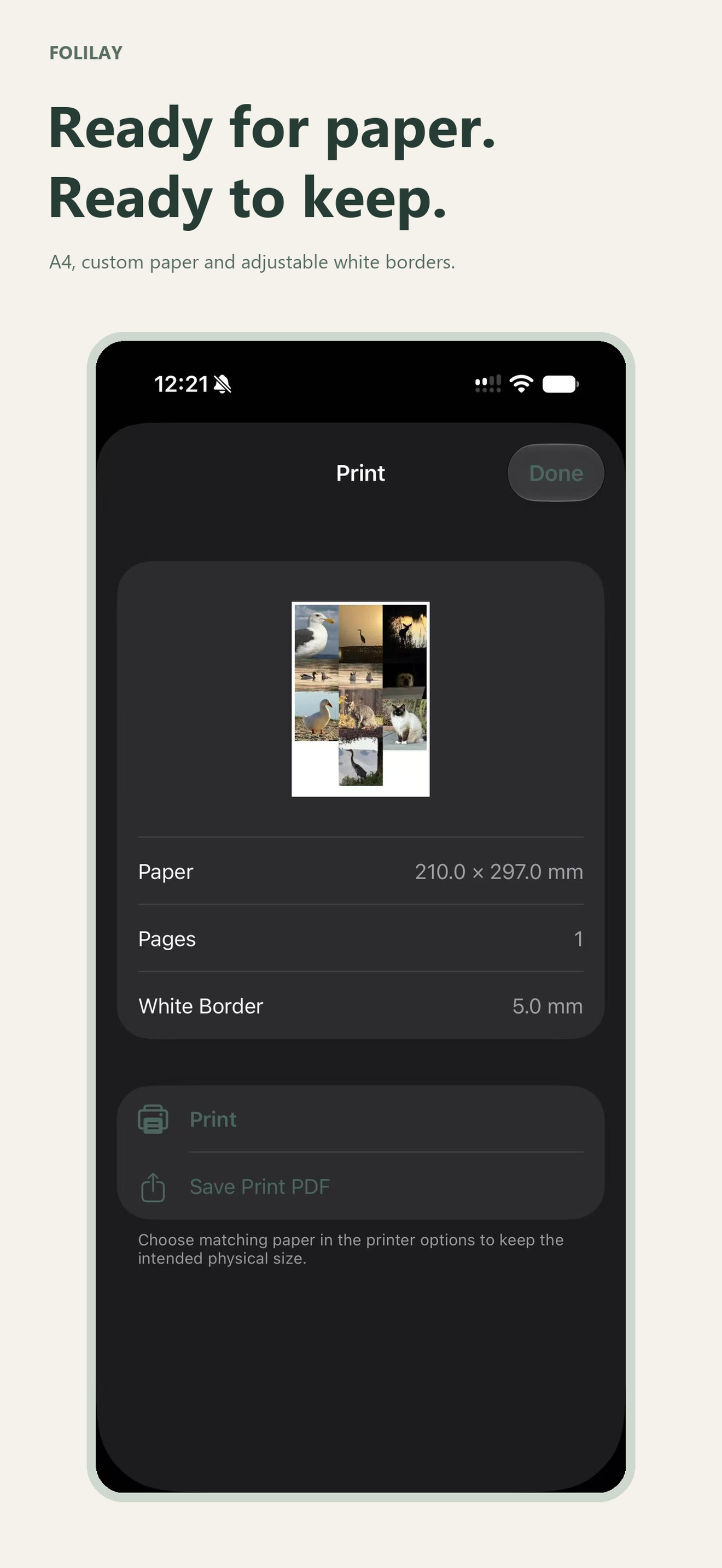
AirPrint, multi-page PDF, PNG and JPEG. Projects stay local, ready for another edit.
Ask about the previewHow Folilay handles your photosHow do I keep the correct print size?
Use the same paper size in Folilay and the printer dialog. Check printer margins and scaling; hardware can affect the final result. A PDF preserves the page dimensions.
Does it change my original photos?
No. Edits apply to the copies used in your layout. Original source images are not overwritten.
Where are projects saved?
Projects are stored locally in Folilay. Export important work before removing the app. There is no Folilay cloud sync.
What do I need to print?
Printing uses Apple's system AirPrint interface and requires a compatible printer. You can also export a PDF for printing elsewhere.